


Description
Product Overview
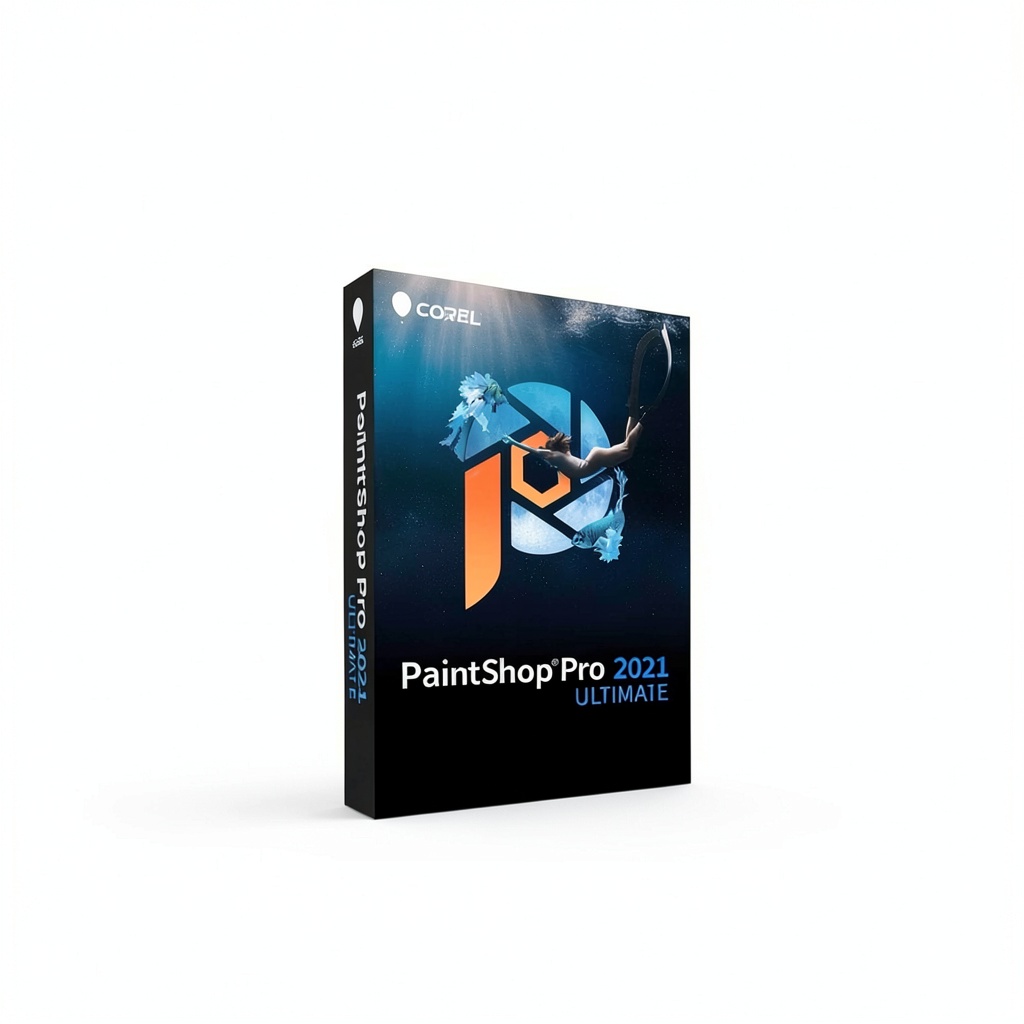
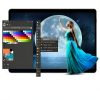
Corel’s Photo Design Suite brings together a full range of professional photo‑editing and graphic‑design tools in a single, streamlined application. Built on a 64‑bit architecture, the suite delivers fast performance on modern hardware while maintaining a familiar interface that long‑time Corel users recognize. The package includes AI HDR Studio for high‑dynamic‑range processing, PhotoMirage Express for animated effects, Painter Essentials 7 for brush‑based painting, and Corel AfterShot 3 for RAW workflow management. All components share a common Sea‑to‑Sky workspace, allowing users to switch between photography and design tasks without leaving the program.
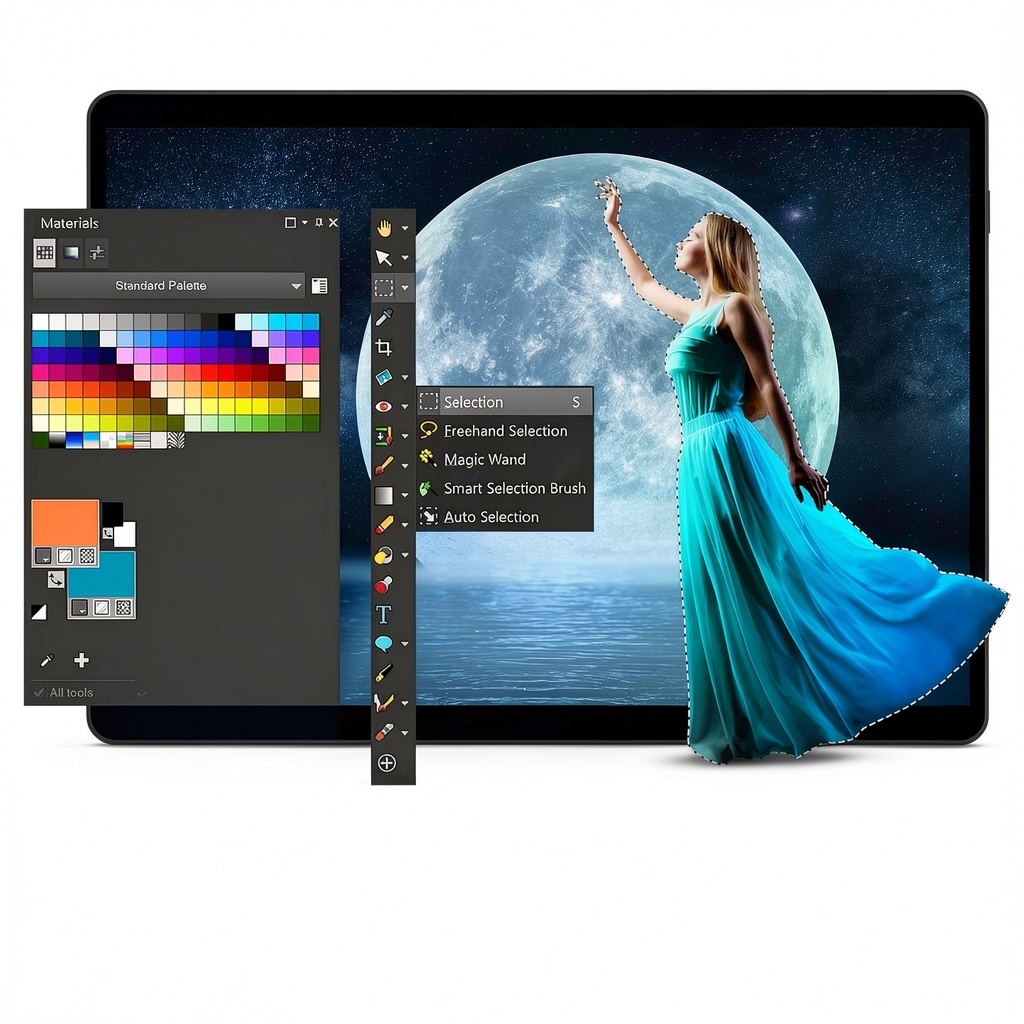
AI‑driven upsampling, denoising and artifact removal let photographers enhance image resolution without sacrificing detail, while batch processing tools speed up repetitive tasks across large image libraries. The suite supports native RAW files from the latest camera models, and offers seamless import and export of PSD, TIFF, JPEG and PNG formats, ensuring compatibility with other industry‑standard applications. Integrated layers, masks, and a rich set of filters give designers the freedom to experiment with typography, patterns, and vector shapes, all within a non‑destructive workflow that preserves original data.
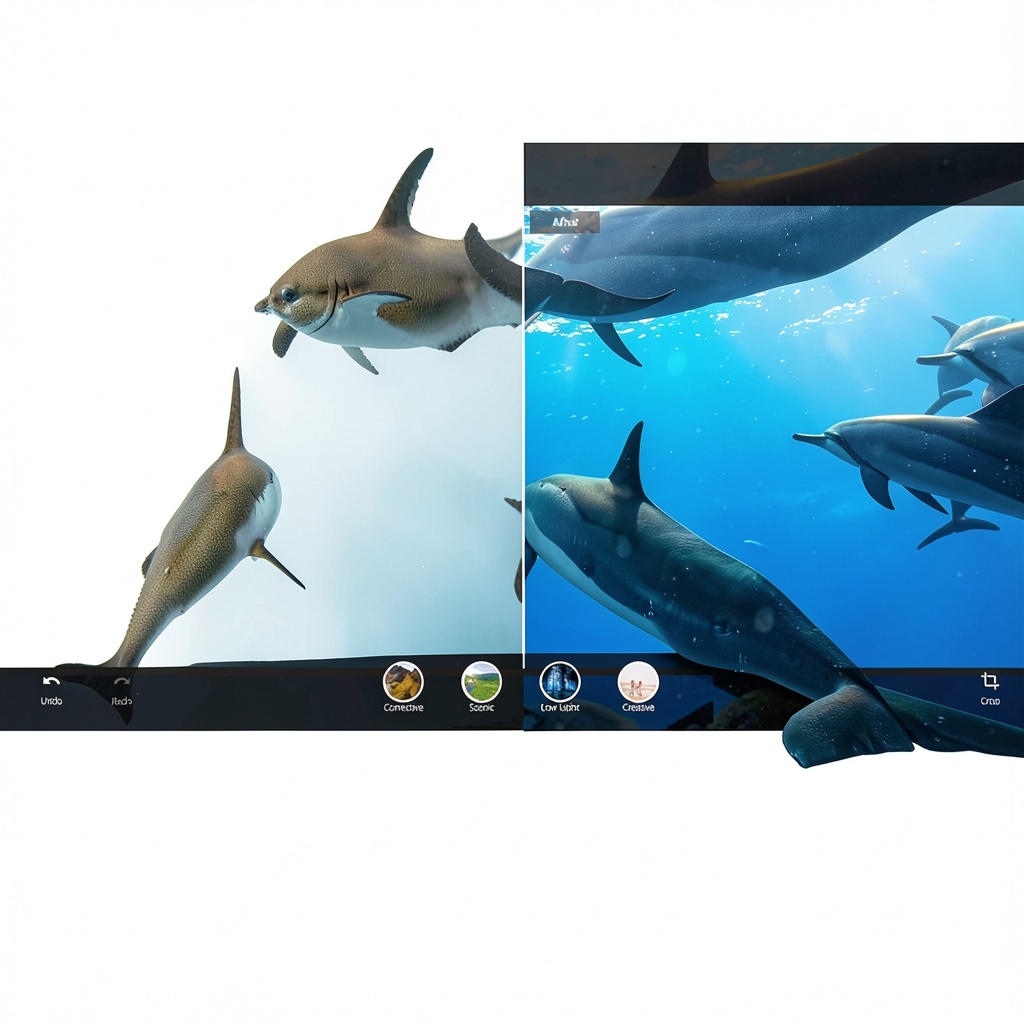
The Sea‑to‑Sky workspace is specially tuned for underwater and drone photography, providing a darkened interface that reduces glare on bright screens and highlights subtle color shifts in marine environments. Users can customize toolbars, shortcut keys, and workspace layouts to match personal preferences, creating a highly efficient environment for both quick edits and complex projects. In‑product learning modules guide newcomers through essential techniques, while advanced users benefit from support for third‑party plugins, brush packs, and graphics tablets, making the suite adaptable to any creative workflow.
The suite also embraces extensibility through support for 64‑bit third‑party plugins, allowing users to integrate specialized filters, AI models, and custom brush packs directly into the workflow. Whether you rely on popular Lightroom presets, Nik Collection tools, or proprietary Corel extensions, the software loads them without performance penalties, preserving a smooth editing experience even when multiple plugins are active. Additionally, the program leverages GPU acceleration for real‑time preview of complex effects, reducing render times and enabling instant visual feedback as you experiment with layers, masks and adjustment settings.
Corel provides a robust ecosystem of learning resources, including video tutorials, step‑by‑step guides, and an active user community where tips and templates are shared daily. Regular software updates introduce new AI features, expanded brush libraries, and performance optimizations, ensuring the suite stays current with evolving industry standards. The built‑in analytics dashboard tracks usage patterns, helping you identify which tools you rely on most and suggesting shortcuts to streamline your workflow. This continuous improvement model guarantees that your investment remains valuable as photography and design trends evolve.
Looking ahead, Corel is investing heavily in next‑generation AI algorithms that will further automate tedious tasks such as background removal, object isolation and style transfer. The upcoming version of the suite promises a cloud‑based processing option, allowing users to offload intensive rendering to secure servers and retrieve results instantly, which is especially beneficial for teams with limited local hardware resources. Corel also encourages community contributions through an open marketplace where developers can publish custom plugins, brush packs and preset collections, fostering a vibrant ecosystem that continuously expands the suite’s capabilities. By integrating these forward‑thinking features, the software not only meets today’s creative demands but also prepares users for the evolving landscape of digital imaging.
Seamless integration with popular cloud storage services such as OneDrive, Google Drive and Dropbox enables users to sync projects across devices and collaborate with teammates in real time. By saving a project folder to the cloud, any changes made on a desktop are instantly reflected on a laptop or tablet, ensuring that the latest version is always accessible. The suite’s collaborative mode allows multiple users to comment on specific layers, approve edits, and track revision history, streamlining the approval process for agencies and client‑facing teams. This connectivity eliminates the need for manual file transfers and reduces the risk of version conflicts, fostering a more efficient creative pipeline.
![[Product front view showing all components]](https://www.olympusgo.store/wp-content/uploads/2026/06/5761bfa5b52442cfb6b16f250f688ba8.jpg)
Usage
Professional photographers who work with high‑resolution RAW files will find the suite’s AI HDR Studio indispensable for merging multiple exposures into a single, richly detailed image. The upsampling engine restores fine texture when enlarging prints for gallery displays, while the denoise filter cleans sensor noise without blurring edges. Because the software handles batch processing, a photographer can apply consistent adjustments to dozens of images in minutes, freeing time for on‑site shooting and client interaction.
Graphic designers and illustrators benefit from Painter Essentials 7, which offers over 200 realistic brushes and a layer‑based workflow that mimics traditional media. The suite’s built‑in templates and pattern libraries accelerate the creation of marketing collateral, social‑media graphics, and product mock‑ups. Because the program supports PSD import, designers can start a project in Photoshop and finish it in Corel without losing any layer information, making collaboration across teams seamless.
For hobbyists and social‑media creators, the suite offers quick‑share presets that automatically resize, compress and add watermarks to images before uploading to platforms like Instagram, Facebook or TikTok. The intuitive Sea‑to‑Sky interface lets users apply AI‑enhanced filters with a single click, turning ordinary snapshots into eye‑catching visuals that boost engagement. Because the software runs efficiently on mid‑range laptops, creators can edit on the go, ensuring fresh content is ready whenever inspiration strikes.
Corporate marketing teams benefit from the suite’s batch processing capabilities, allowing them to apply brand‑consistent color corrections, logos and watermarks across hundreds of images in minutes. The built‑in template library includes ready‑made layouts for brochures, flyers and social‑media ads, which can be customized with company fonts and colors. By centralizing photo editing and graphic design in one platform, organizations reduce licensing costs, streamline asset management, and maintain a cohesive visual identity across all communication channels.
Why Choose Us
Corel has a legacy of more than three decades in imaging software, and the Photo Design Suite reflects that experience through rigorous quality testing and regular feature updates. The suite is optimized for 64‑bit operating systems, ensuring stability when handling large RAW files and complex multi‑layer projects, and it receives quarterly patches that address security and performance concerns.
Customer support is available through Corel’s dedicated help center, live chat, and a community forum where users share tips and custom brushes. In‑product learning resources guide new users through essential workflows, while advanced tutorials explore the full potential of AI‑driven tools. The company also offers a 30‑day money‑back guarantee, giving buyers confidence to test the suite risk‑free.
Corel is committed to sustainable development, designing software that minimizes energy consumption by optimizing code for low‑power CPUs and leveraging efficient GPU usage. The company participates in industry initiatives to reduce electronic waste and promotes digital workflows that replace paper‑based processes. By choosing this suite, customers align with a brand that values environmental responsibility and supports eco‑friendly creative practices.
The roadmap for the suite includes upcoming AI-driven features such as automatic subject selection, smart background replacement, and real‑time collaborative editing, keeping users ahead of emerging trends. Corel’s development team gathers feedback from the global user base to prioritize enhancements that matter most, ensuring the product evolves in line with professional demands. This forward‑looking approach guarantees that the software remains a competitive edge for creators over the long term.
Corel’s support infrastructure has earned multiple industry recognitions for responsiveness and expertise, including the 2023 Customer Service Excellence Award. Users can access a comprehensive knowledge base, video webinars, and a dedicated account manager for enterprise clients. The support team offers personalized onboarding sessions that walk new customers through the suite’s most powerful features, ensuring a smooth transition from other software platforms. With multilingual assistance available 24 hours a day, creators worldwide receive timely help, minimizing downtime and maximizing productivity.
Key Features
- AI‑powered HDR and upsampling let you enlarge and enhance images while preserving detail, so prints look sharp even at large sizes
- Sea‑to‑Sky workspace adapts to underwater and drone photography, providing a dark UI that reduces glare and highlights subtle color shifts for accurate editing
- Integrated library of over 200 realistic brushes, patterns and templates speeds up graphic design projects and lets you create professional‑grade artwork without starting from scratch
- Full support for PSD, TIFF, JPEG, PNG and RAW formats ensures seamless file exchange with other industry‑standard applications and preserves layer information
- Dedicated Corel support team provides live chat, community forums and a 30‑day money‑back guarantee, giving you confidence and assistance throughout your creative journey
FAQ
Can I import Photoshop PSD files with layers intact?
Yes, the suite can open PSD files directly, preserving all layers, masks, adjustment layers and smart objects. When you import a Photoshop document, the original layer hierarchy is recreated inside Corel’s workspace, allowing you to continue editing without losing any of the original structure. You can also export back to PSD, ensuring full compatibility with collaborators who use Adobe Photoshop. This two‑way workflow eliminates the need for file conversion and reduces the risk of data loss, making it ideal for studios that work across multiple platforms. Additionally, the import process respects color profiles, so your images retain accurate color reproduction throughout the editing pipeline.
How does the AI HDR Studio improve my photos?
AI HDR Studio uses artificial intelligence to merge multiple exposures into a single high‑dynamic‑range image with minimal ghosting. The algorithm analyses each frame, aligns them precisely, and balances highlights and shadows to reveal detail that would otherwise be lost. Users can control tone mapping, exposure sliders, and selective adjustments, giving fine‑grained control over the final look. The AI also reduces noise and corrects color casts, so the resulting HDR photo is ready for print or web without additional post‑processing. This speeds up the workflow for landscape, architectural and night‑time photographers who need consistent, professional results.
Is there a trial version or money‑back guarantee?
There is a 30‑day money‑back guarantee that lets you evaluate the suite risk‑free. If the software does not meet your expectations, you can request a full refund through Corel’s support portal. In addition, a free 14‑day trial is available for download, giving you access to all features before you purchase. During the trial period, you receive the same updates and technical assistance as paying customers, ensuring you can test performance, compatibility and workflow integration without limitation. This policy demonstrates Corel’s confidence in the product’s quality and their commitment to customer satisfaction.
What system requirements are needed for optimal performance?
The recommended system requirements for optimal performance include a 64‑bit Windows 10 or later operating system, at least 8 GB of RAM (16 GB recommended), and a multi‑core processor such as Intel i5 or AMD Ryzen 5. A dedicated graphics card with 2 GB VRAM improves real‑time preview and GPU‑accelerated filters. You should have at least 2 GB of free disk space for installation and additional space for temporary files when processing large RAW images. The software supports both SSD and HDD storage, and it works with standard USB or Bluetooth graphics tablets for precise brush control.
Can I use the suite on a Mac?
The current version of Corel Photo Design Suite is built for Windows 64‑bit operating systems and does not have a native macOS installer. However, Mac users can run the software through virtualization solutions such as Parallels Desktop or Boot Camp, provided the underlying hardware meets the Windows system requirements. Corel is evaluating demand for a macOS version and may release a dedicated build in future updates based on user feedback.
How does the batch processing feature work?
Batch processing lets you apply a set of adjustments, filters or watermarks to a group of images in a single operation. First, you select the source folder and define the desired actions—such as AI HDR merging, exposure correction, or adding a company logo. The suite then queues each file, processes them using GPU acceleration, and saves the results to a destination folder while preserving original filenames or adding custom suffixes. Progress is displayed in real time, and you can pause or cancel the job at any point, giving you full control over large‑scale editing tasks.




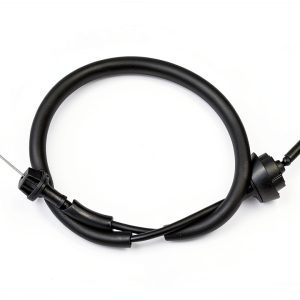 ATRACYPART Throttle Accelerator Cable for Dodge Ram
Reviews
There are no reviews yet.