



Description
Product Overview
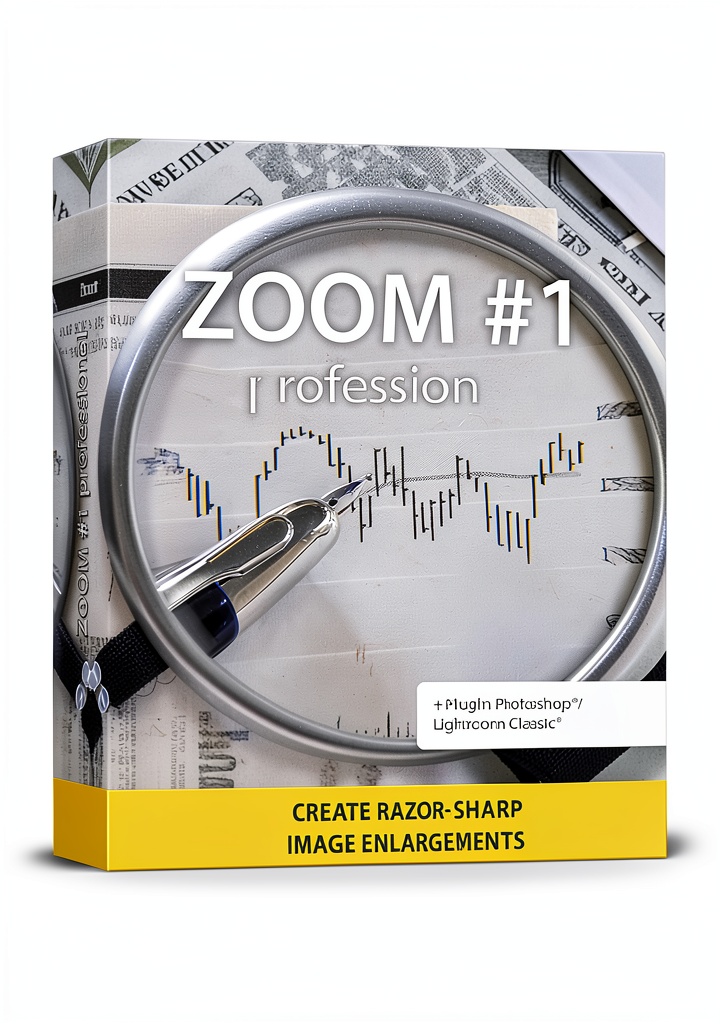
Markt Technik’s Photo Enlarger is a Windows‑compatible image‑upscaling program that leverages deep‑learning technology to increase photo dimensions up to a staggering 10,000% scaling factor. Designed for Windows 7, 8, 10, and 11, the software offers a lightweight installation package (7.48 x 5.39 x 0.67 inches, 2.4 oz) and integrates seamlessly with existing photo workflows. It automatically analyses image content, reconstructs missing details, and outputs high‑resolution files ready for large‑format printing.
Usage
Whether you are a hobbyist preparing a family portrait for a wall‑sized canvas, a graphic designer needing crisp assets for marketing materials, or a photographer printing exhibition‑grade prints, this tool fits the bill. The intuitive interface guides users through selecting the desired enlargement percentage, previewing results, and exporting in common formats such as JPEG, PNG, or TIFF. Its AI engine handles complex textures, fine edges, and subtle gradients, making it suitable for both indoor décor projects and professional studio work.
Why Choose Us
Markt Technik combines over a decade of software engineering expertise with cutting‑edge neural networks, delivering a product that outperforms traditional interpolation methods. The software is continuously updated to improve model accuracy, and each release undergoes rigorous quality testing to ensure stability across all supported Windows versions. Customer reviews highlight a reliable performance with an average rating of 3.6 stars from real users.
Key Features
- AI‑driven upscaling up to 10,000% without noticeable artifacts
- One‑click processing suitable for beginners and professionals
- Supports Windows 7‑11, ensuring broad compatibility
- Exports to JPEG, PNG, TIFF with lossless options for print quality
- Lightweight installer (2.4 oz) and fast processing on modern CPUs
FAQ
Can the software enlarge low‑resolution images without making them look blurry?
Yes. The deep‑learning engine reconstructs missing pixel information, preserving edge sharpness and texture detail even when starting from very small originals.
What file formats are supported for input and output?
Input formats include JPEG, PNG, BMP, and TIFF. Output can be saved as JPEG, PNG, or TIFF, with options for lossless compression to retain maximum quality for printing.
Is a powerful graphics card required?
The program runs efficiently on standard CPUs; however, a modern GPU can accelerate processing times, especially for very large upscales.
Can I use the software for commercial projects?
Absolutely. The license permits both personal and commercial use, allowing you to create prints, marketing materials, or digital assets for clients.
How often is the software updated?
Markt Technik releases updates quarterly, incorporating algorithm improvements, bug fixes, and compatibility enhancements for the latest Windows updates.
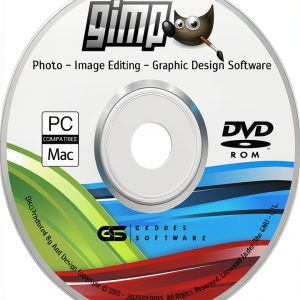 Photo Editing Software by TechWizStore for Photography
Reviews
There are no reviews yet.